AI TEACHING TWIN™ CONTENT BUILDOUT
Turn One Photo Into Your AI Teaching Twin™
Create helpful YouTube Shorts without recording yourself every time or adding another monthly AI subscription.
Build your AI Teaching Twin
Create Shorts without always filming yourself
Learn the free method while it’s available
This method is currently free to use. Learn it while access is available.
![[PLACEHOLDER: YOUR AI TEACHING TWIN™ COURSE MOCKUP]](https://images.leadconnectorhq.com/image/f_webp/q_80/r_1200/u_https://assets.cdn.filesafe.space/hRzo8wOs6IsODY3SgaH3/media/6ac5e0e6bbad531ac803a80c.png)
Create your ai teaching twin™
See What You
Can Create
Without Another Paid AI Tool
You don’t need complicated editing software or an expensive AI video subscription just to start creating.
Inside Your AI Teaching Twin™, you’ll follow the same beginner-friendly process I used to turn one photo into an AI presenter and build a complete teaching Short.
Watch the example below.
Then I’ll walk you through the entire process step by step inside the workshop.
WHAT YOU GET INSIDE
You’ll Build Your First AI Teaching Short
From Start to Finish
You’re not just watching me demonstrate it. You’ll create yours alongside me.
Create Your Presenter: Turn your photo into an AI on-camera stand-in.
Build Your Character: Shape the look and personality of your teaching twin.
Create Your Talking Clips: Turn your message into short AI video scenes.
Put the Full Short Together: Follow the walkthrough and complete your first video.
WHO THIS IS FOR
Made for People With Something Helpful to Teach
Business Owner • Service Provider • Educator • Coach • Creator
Especially if:
You don’t always want to be on camera
You’re new to AI video creation
You want to create Shorts without complicated editing
You want a repeatable process instead of starting over every time
All upgrades are optional and available separately at checkout.
Why learn this now?
Because the method I’m teaching is currently free to use.
You can start creating AI talking-head content without automatically
signing up for another monthly premium video tool.
The workshop shows you how to use the method, what to create, and how to turn it into content you can actually use.
Learn the Method While Access Is Available
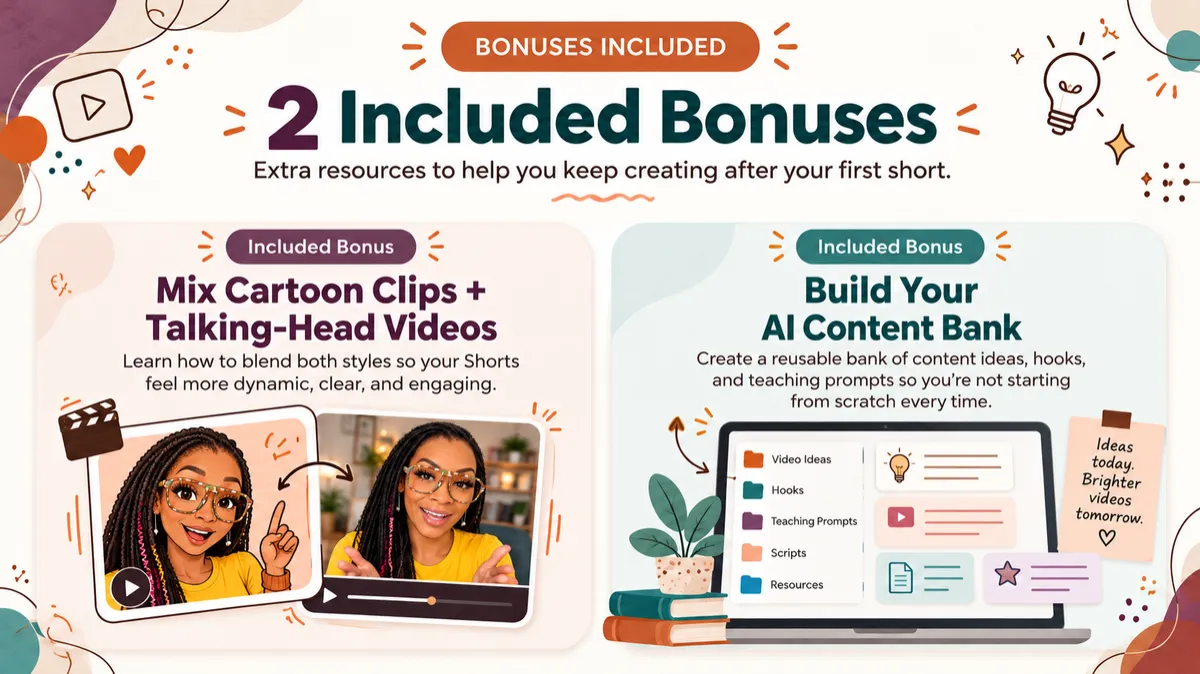
bonuses included
The workshop gives you the full step-by-step process, plus two extra resources to help you
keep creating after your first Short.
INCLUDED BONUS
Mix Cartoon Clips and Talking-Head Videos
Learn how to combine different visual styles so your Shorts feel more dynamic and less repetitive.
INCLUDED BONUS
Build Your AI Content Bank
Create a reusable collection of content ideas, hooks, and teaching prompts so you’re not starting from scratch every time.
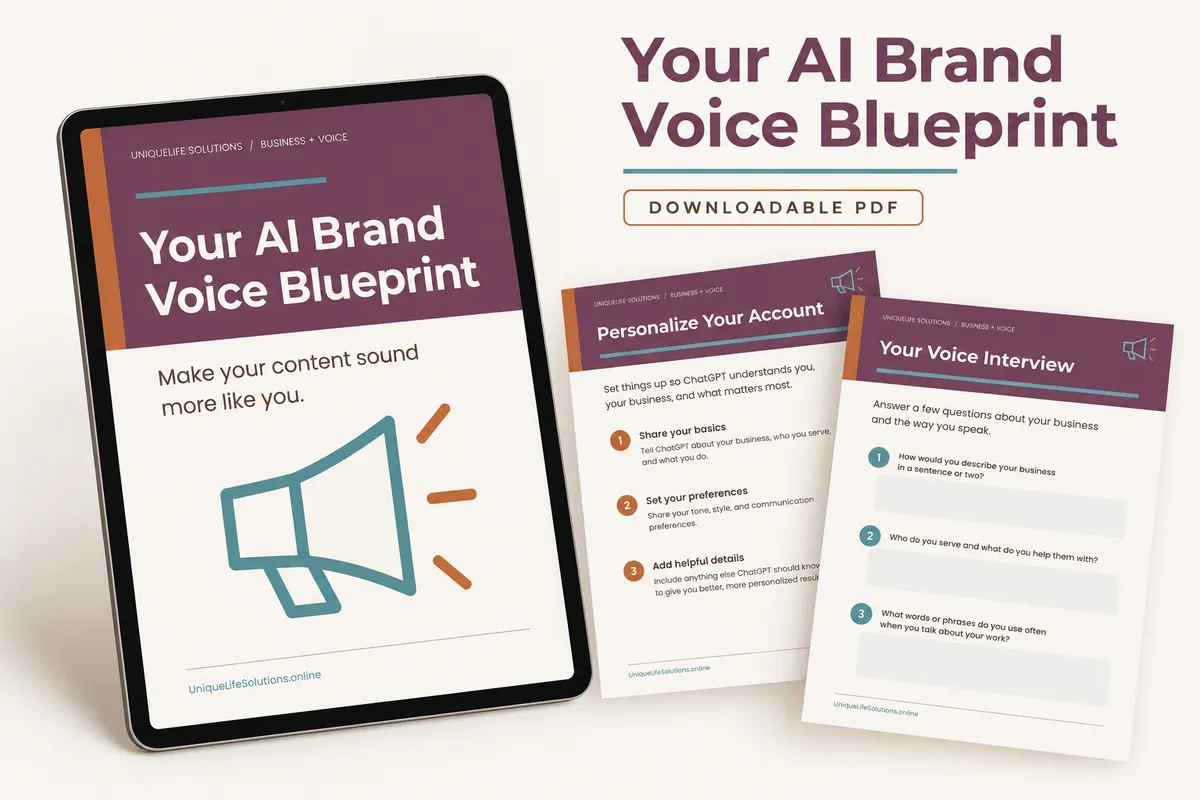
OPTIONAL ADD-ONS
Your AI Brand Voice Blueprint
Make your AI-written content sound more like you.
$17 One-Time Add-On
OPTIONAL ADD-ONS
YouTube AI Teaching Prompt Library
Copy-ready prompts for creating future teaching content.
$19 One-Time Add-On

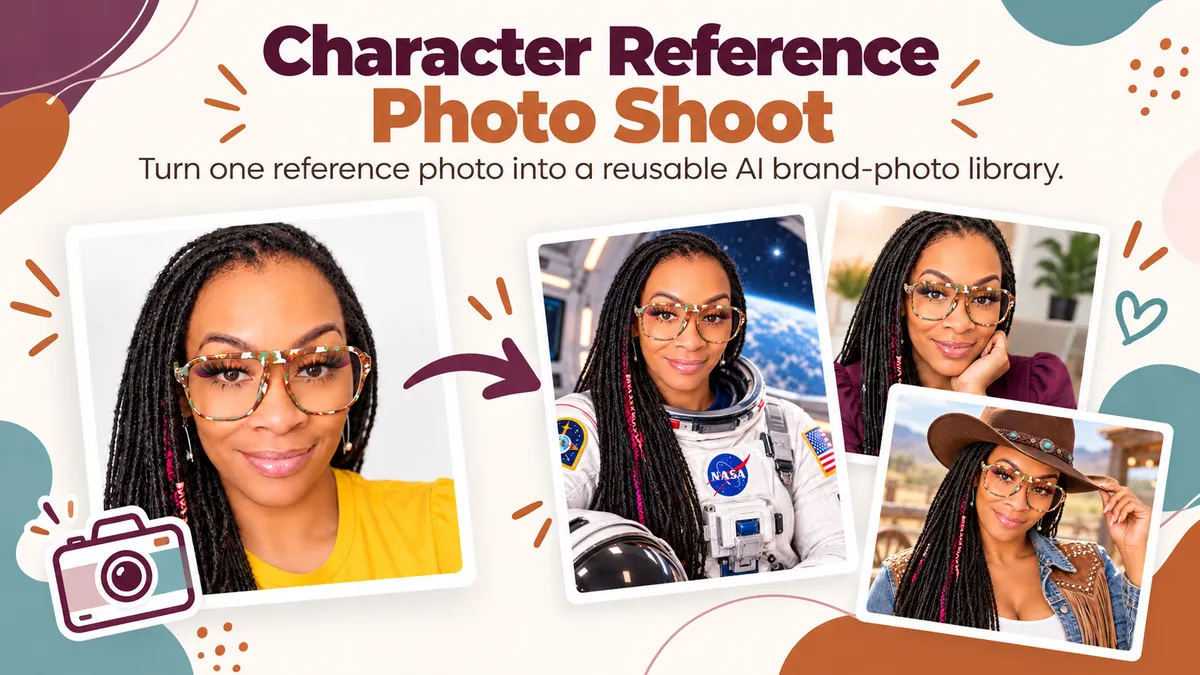
OPTIONAL ADD-ONS
Character Reference Photo Shoot
Turn one reference photo into a reusable AI brand-photo library.
$9 One-Time Add-On
All upgrades are optional and available separately at checkout.
![[PLACEHOLDER: APPROVED KANISHA PHOTO]](https://images.leadconnectorhq.com/image/f_webp/q_80/r_1200/u_https://assets.cdn.filesafe.space/hRzo8wOs6IsODY3SgaH3/media/6a5145a7c540a056fde4cf1c.jpeg)
ABOUT YOUR INSTRUCTOR
Meet Kanisha
I’m Kanisha Lynn, a Life and Business Solutionist.
I created Your AI Teaching Twin™ after experimenting with AI content tools and finding a simpler way to create helpful videos without always having to record myself.
This workshop gives you the beginner-friendly process I wish I had when I started testing AI video content.
Built for everyday creators and business owners
Focused on useful, repeatable content systems
Your Questions, Answered
Everything you need to know about the format, required tools, and implementation before getting started.
Do I need to know how to use AI already?
No. The workshop is designed for beginners and walks you through the process step by step.
Do I have to record myself on camera?
No. You’ll learn how to create an AI presenter from your reference image and use it in your teaching videos.
Do I need another paid AI subscription?
The method taught in this workshop is currently available to use for free.
Can I use my own topics and business ideas?
Yes. The process is designed so you can apply it to your own teaching topics, services, and content ideas.
Is this live or self-paced?
It’s self-paced, so you can work through the lessons when it fits your schedule.
INSTANT DIGITAL WORKSHOP ACCESS
Ready to Build Your AI Teaching Twin™?
Learn the currently free method, create your first AI Teaching Short, and leave with a process you can use again.
Your AI Teaching Twin™ Content Buildout • $27 One-Time Purchase • Beginner-friendly Workshop
✓ Instant Access | ✓ Lifetime Workshop Access
Empowering Educators, Trainers, and Creators with AI Powered Solutions.
© 2026 UniqueLife Solutions. All rights reserved. This site is not a part of the Facebook website or Facebook Inc. Additionally, this site is NOT endorsed by Facebook in any way. FACEBOOK is a trademark of FACEBOOK, Inc.